
AI Zombie Couple Video Generator
Love survives the end.
Turn two photos into a dramatic AI zombie couple video. Create your own 15-second zombie love story with cinematic scenes and emotional moments.
Make it yours
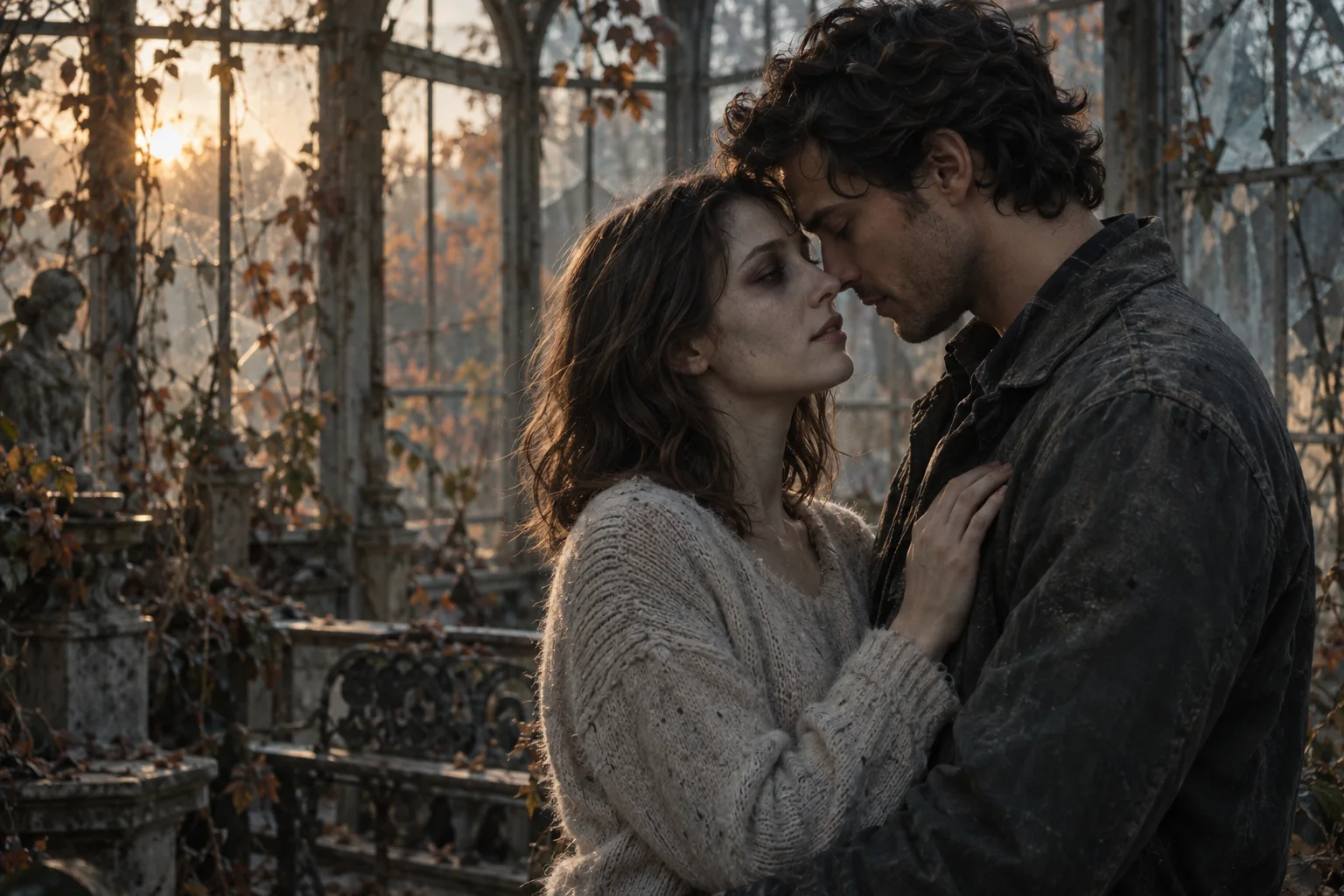
I would still choose you.
A familiar face. A choice to stay.
Create Your Zombie Couple Video from Two Photos
Give your relationship a fictional apocalypse scene. This zombie couple video generator uses one portrait for the human survivor and another for the zombie partner, so each person has a separate visual reference. It is for consenting adult couples who want a personal take on a romantic horror story. The preset story moves through recognition, an embrace and a warm memory; your finished video can be opened and downloaded from the studio.
What Is the AI Zombie Couple Trend?
The AI Zombie Couple trend turns ordinary portraits into imagined zombie love stories. Its appeal comes from a familiar question: would you still recognize and choose your partner if the world changed around you? The contrast between an unsettling setting and a tender reunion gives the short video an emotional story beyond a simple face transformation. In this version, two separate photos guide the characters in a preset sequence of recognition, an embrace and a happier memory. To make your own version, decide who remains human, add your portraits and choose a video format. You do not need to write a prompt or film a scene yourself.
How to Make an AI Zombie Couple Video
Prepare your portraits, assign the roles and create your version of the story. The reunion and memory previews above are AI concept artwork, not actual generated video examples.
- 1
Upload Two Clear Photos
Add one portrait of each adult, with a visible face and even lighting. Use separate photos rather than a group shot, and confirm that both people agree to appear in the AI story.
- 2
Set Your Roles and Video Format
Put the human survivor in the first slot and the zombie partner in the second. Swap them if needed, then choose portrait or landscape. The reunion story is preset; no script selection is required.
- 3
Generate and Download Your Video
Sign in, check your credits and start generation. Follow the task status in the studio or My videos. Once the video is ready, watch it, review the result and open the download link.
Tips for Better Zombie Couple AI Videos
- Choose sharp, front-facing portraits. Small or blurry faces give the AI less useful detail to work with.
- Keep faces unobstructed. Avoid sunglasses, masks, hands over the face and heavy shadows.
- Use well-lit photos with one adult per image. Group shots can make the intended person unclear.
- Photo quality can affect character consistency. Faces, motion and scenes may still change during AI generation; review the whole video before sharing.